

Web Development
Build Professional Websites with WordPress
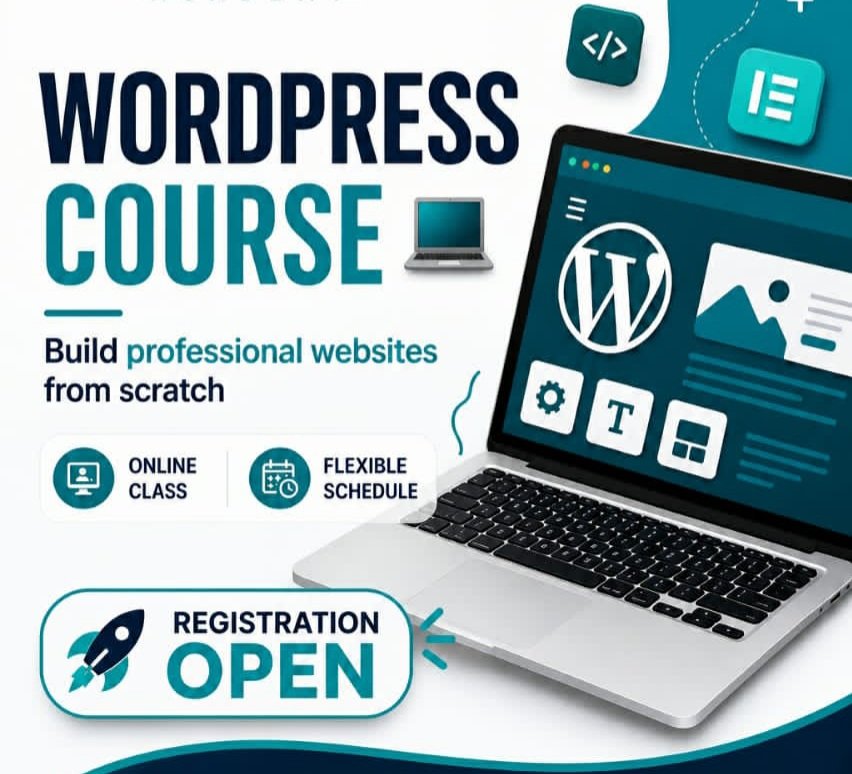
Learn how to create modern, professional, and responsive websites with WordPress through practical, hands-on training designed for beginners and aspiring web developers.
+40 Learners
Online Classes
Practical Project
Duration: 2 Months
Level: Beginner
Language: English
Certificate Available
Course Commitment Fee:
30$
About This Course
The WordPress Website Development Program is designed to help learners build practical skills in creating and managing professional websites using WordPress.
From setting up a WordPress website to customizing designs, creating pages, managing content, and working with essential plugins, you will learn the complete process step by step.
The program focuses on practical learning, allowing students to apply their knowledge by working on real website projects.
What You’ll Gain
WordPress Website Development
Website Customization
Theme & Plugin Management
Practical Website Projects
What You'll Learn
Develop the practical skills needed to create, customize, manage, and maintain professional WordPress websites.
WordPress Fundamentals
Understand WordPress, its dashboard, settings, and the essential components of a website.
Website Setup
Learn how to set up WordPress and prepare a website for development.
Themes & Customization
Customize website layouts, styles, menus, pages, and other visual elements.
Elementor Page Builder
Create professional and responsive website pages using Elementor.
Plugins & Functionality
Learn how to extend website functionality using essential WordPress plugins.
Responsive Web Design
Create websites that work effectively across desktop, tablet, and mobile devices.
Website Content Management
Learn how to manage pages, posts, media, menus, users, and website content.
Practical Website Project
Apply your skills by planning and building a complete professional WordPress website.
Course Curriculum
Follow a structured learning path that takes you from WordPress fundamentals to building and managing professional websites.
8 Module
24 Lessons
2 Months
Practical Project
Module 1: Introduction to WordPress
- What is WordPress?
- WordPress.com vs WordPress.org
- Understanding Websites & CMS
- WordPress Dashboard
- Basic WordPress Settings
Module 2: Website Setup
- Domain & Hosting Basics
- Installing WordPress
- WordPress Configuration
- Website Settings
- Users & Roles
Module 3: Themes & Website Design
- Understanding WordPress Themes
- Installing & Managing Themes
- Theme Customization
- Headers & Footers
- Menus & Navigation
Module 4: Elementor Page Builder
- Introduction to Elementor
- Containers & Layouts
- Sections & Columns
- Widgets & Styling
- Responsive Design
- Building Professional Pages
Module 5: Pages, Posts & Content
- Creating Pages
- Creating Blog Posts
- Categories & Tags
- Media Library
- Content Management
Module 6: Plugins & Website Functionality
- Understanding WordPress Plugins
- Installing & Managing Plugins
- Essential Website Plugins
- Forms & Contact Features
- Adding Website Functionality
Module 7: Website Optimization & Maintenance
- Website Security Basics
- Performance Optimization
- SEO Fundamentals
- Backups & Updates
- Website Maintenance
Module 8: Final Website Project
- Website Planning
- Design & Development
- Content Implementation
- Responsive Optimization
- Final Project Presentation
Meet Your Instructor
Learn with expert guidance and practical support.

Rafiullah Loddin
WordPress Website Development Instructor
Learn from an experienced instructor and develop practical WordPress skills through hands-on lessons, guided projects, and real-world website development.
- BSc in Computer Science
- 2+ Years of Training Experience
- Freelancing Trainer at War Child Canada
- $10,000+ Freelancing Earnings
- Upwork & Fiverr Specialist
Frequently Asked Questions
Find answers to common questions about the WordPress Website Developmnt Program.
Q1: Who is this course for?
This program is suitable for beginners, students, graduates, freelancers, entrepreneurs, and anyone interested in learning how to build professional websites with WordPress.
Q2: Do I need previous web development experience?
No. The course starts with the fundamentals, so beginners can learn WordPress step by step.
Q3: Do I need coding knowledge?
No advanced coding knowledge is required. The course focuses primarily on practical WordPress website development and visual tools such as Elementor.
Q4: How are the classes conducted?
Classes are conducted online through live sessions with the instructor, with practical activities and guided projects.
Q5: What do I need to join the course?
You need a laptop or computer, a stable internet connection, and a willingness to learn and practice.
Q6: How can I enroll in the course?
To enroll, click the Enroll Now button and join our official WhatsApp group. You will find the course information and registration details in the group, or you can contact an admin for assistance.
Start Building Websites with WordPress Today
Learn practical WordPress skills, build professional websites, and take your first step toward a career in web development.
You May Also Like
Explore more courses to expand your digital skills and career opportunities.
English Program
English Course
Improve your English communication skills from Beginner to Advanced.

Digital Marketing
Email Marketing
Learn how to create effective email campaigns and digital marketing strategies.
Career Development
Freelancing Course
Learn practical skills to start and grow your freelance career.